Tree Identifier
Identify trees from photos by comparing leaves, bark, fruit, flowers, buds, silhouette, season, and regional context in one organized workflow.
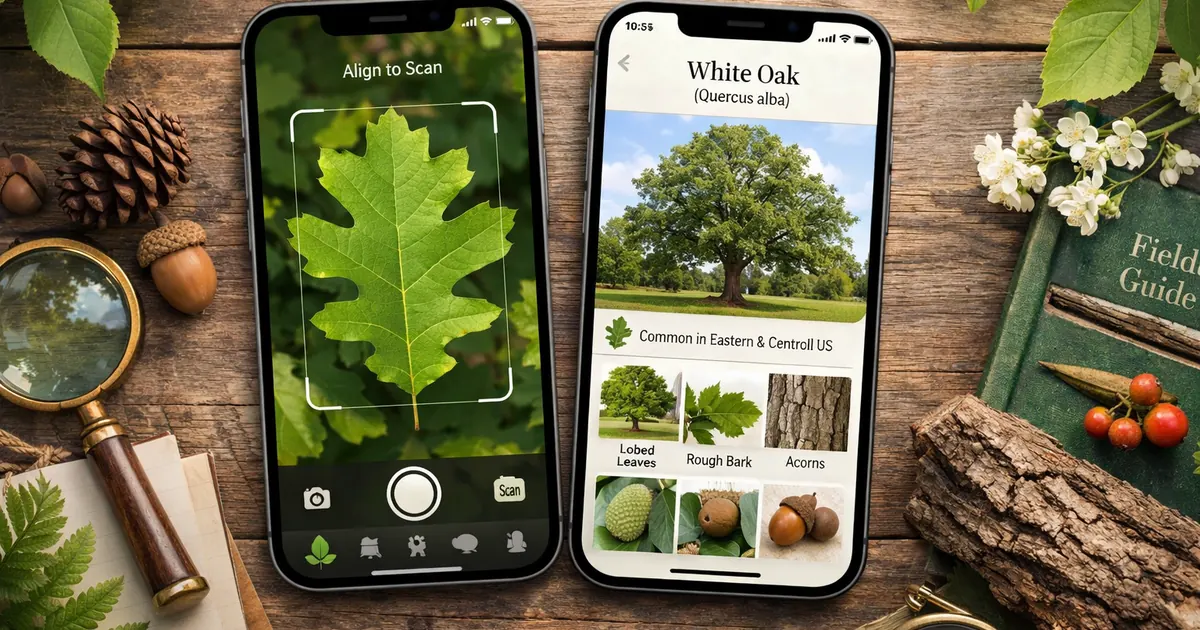
A field-guide workflow for tree photos
Tree Identifier helps turn everyday tree photos into a practical research starting point for yards, parks, hikes, and nature walks.
Photo Tree Lookup
Scan from camera or gallery
Start with a full-tree photo plus close-ups of leaves, bark, buds, flowers, fruit, or seed pods.
Multi-Clue Identification
Leaves are only one signal
Compare leaf shape, bark texture, branching, fruit, flowers, season, and region for stronger results.
Observation History
Save field notes
Keep previous scans and notes organized for trails, yards, parks, school projects, or seasonal comparisons.
Cautious Nature Research
Avoid risky assumptions
Use results as educational references, not as proof for edibility, safety, or land-management decisions.
Identify Trees in Three Steps
Capture more than one clue for a stronger tree lookup.
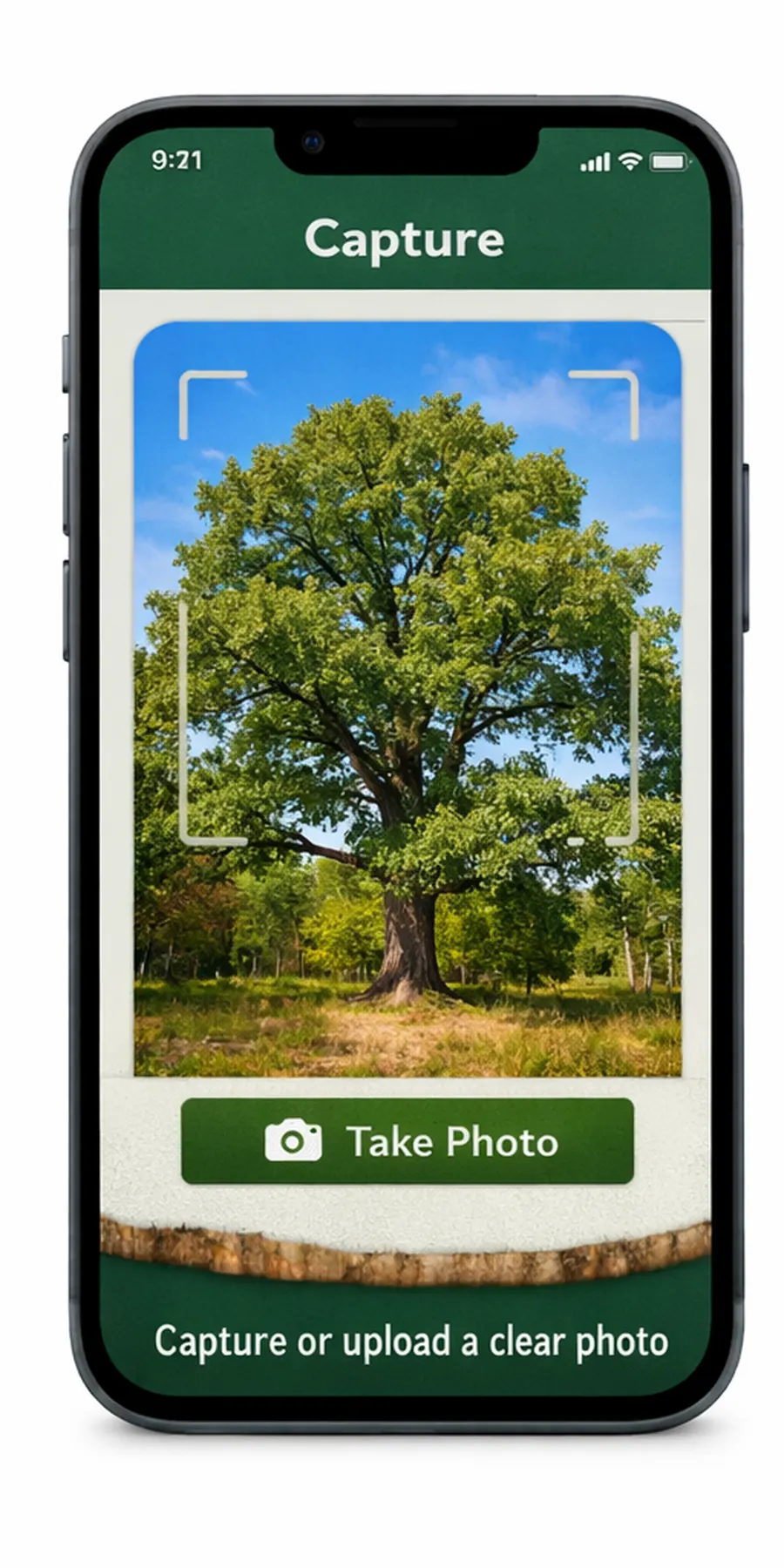
1. Capture Tree Clues
Take a full-tree photo and close-ups of leaves, bark, buds, flowers, fruit, or seed pods when available.
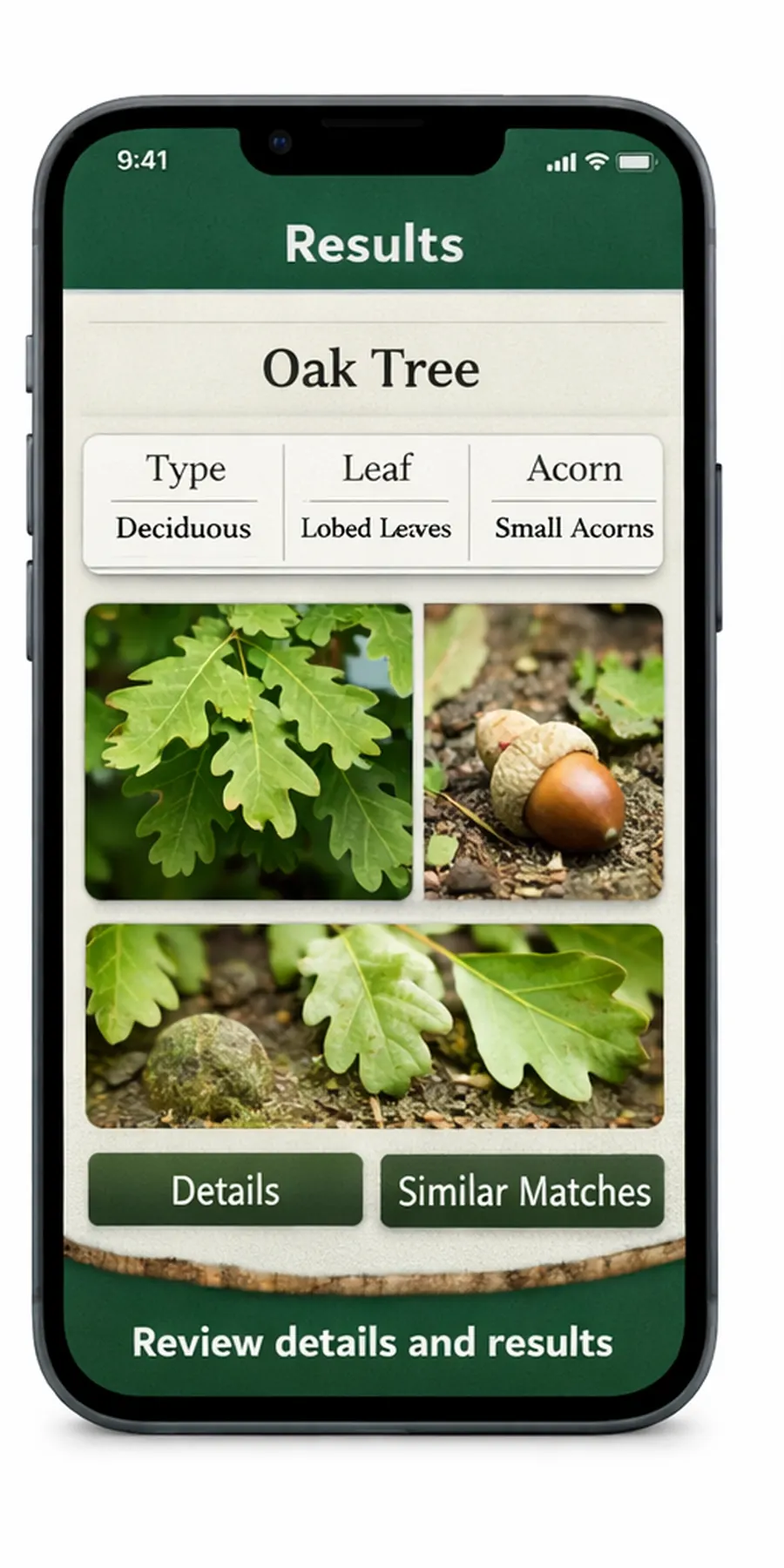
2. Review Possible Matches
Compare visible clues with season and region context to narrow likely tree matches.
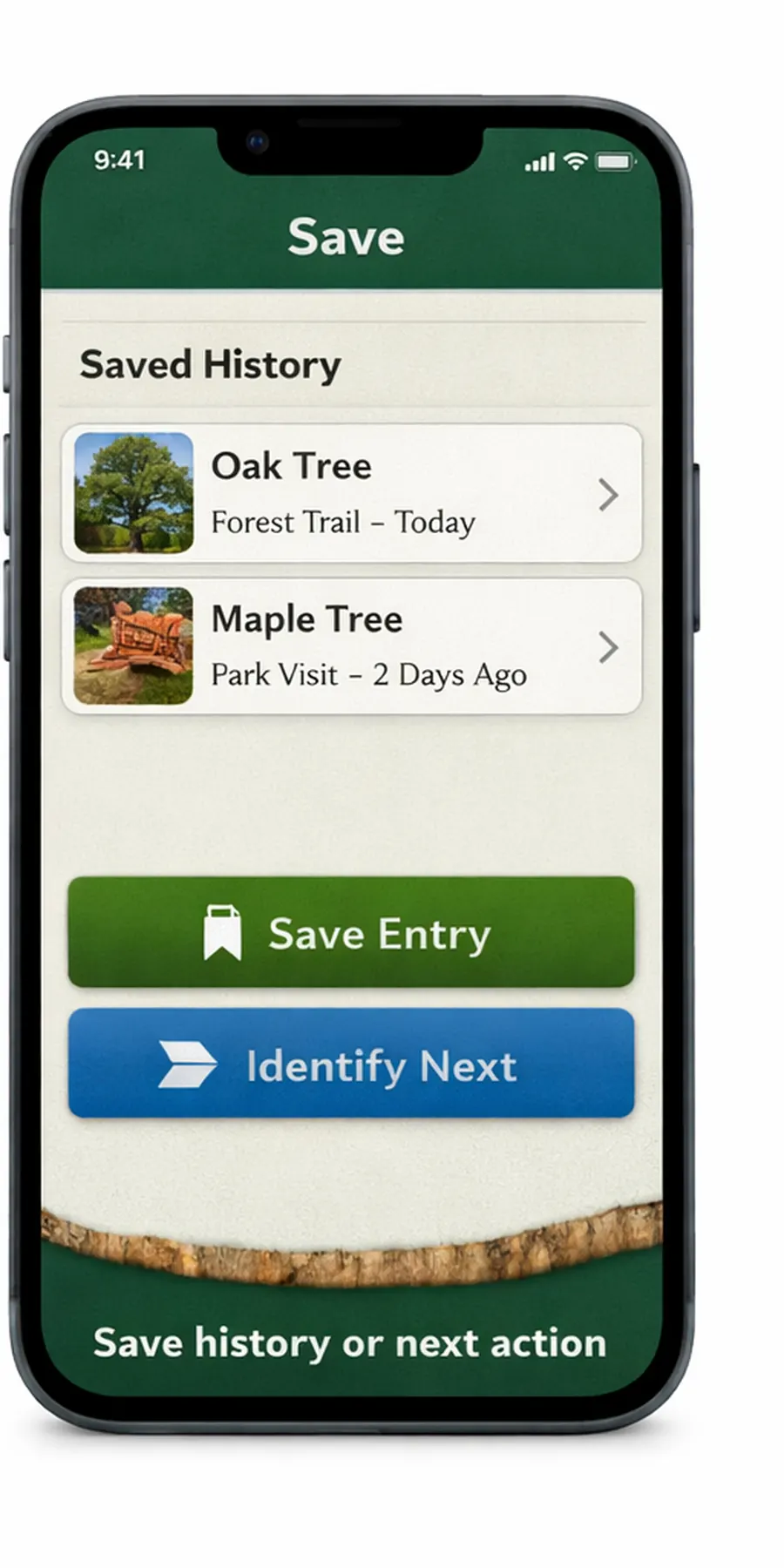
3. Save Observations
Save scans and notes for field walks, yards, hikes, or seasonal comparison.
Multiple Details
Use leaves, bark, fruit, flowers, buds, and shape together.
Field Ready
Built for quick checks during walks, hikes, and outdoor learning.
Saved Notes
Keep observations easy to revisit as trees change by season.
Frequently Asked Questions
Answers about tree photo identification, leaf and bark clues, subscriptions, saved observations, and privacy.
Can Tree Identifier identify a tree from one leaf photo?
A leaf photo can help, but stronger identification usually needs more clues such as bark, buds, fruit, flowers, branching, full-tree shape, season, and region.
What photos work best for tree identification?
Take a full-tree photo and close-ups of leaves, bark, buds, flowers, fruit, seed pods, and branching. Use bright light and avoid blurry or cropped images.
Can I use results for edible or safety decisions?
No. Tree Identifier is for informational visual research only. Do not make edibility, safety, property, or land-management decisions based only on app results.
Why should I capture more than one tree clue?
Leaves can look similar across many species, especially when photos are blurry or seasonal growth is changing. Bark texture, branching pattern, fruit, flowers, buds, seed pods, full-tree shape, and location all provide extra context for a stronger visual check.
Can season affect tree identification?
Yes. A tree may look different in spring, summer, fall, and winter as leaves, flowers, fruit, and bark visibility change. Saving observations across seasons can make later comparisons clearer and reduce overreliance on one photo.
Can Tree Identifier help when leaves are missing?
It can still organize a visual review from bark, buds, branching, silhouette, fruit, seed pods, and location notes, but confidence may be lower without leaves or flowers. Use the result as an educational reference and verify important decisions separately.
How does the subscription work?
Subscriptions are billed weekly or annually at the rate shown in the selected plan and renew automatically unless canceled in App Store account settings at least 24 hours before renewal.
Can I save field observations?
Yes. Tree Identifier is designed to save previous scans and notes so you can revisit trees across seasons or compare observations from different places.
How is my data and privacy protected?
Photos and app data are used to provide tree lookup and saved-observation functionality. Review the Privacy Policy for details about data handling, retention, and your choices.